
Skip to content
Ayuni Host — Global Hosting Services

Email

How to create a professional business email using your domain

A quote from yourbusiness@gmail.com and the same quote from hello@yourbusiness.com are read very differently. Setting up the second takes about ten minutes.

Published 8 April 2026 6 min read

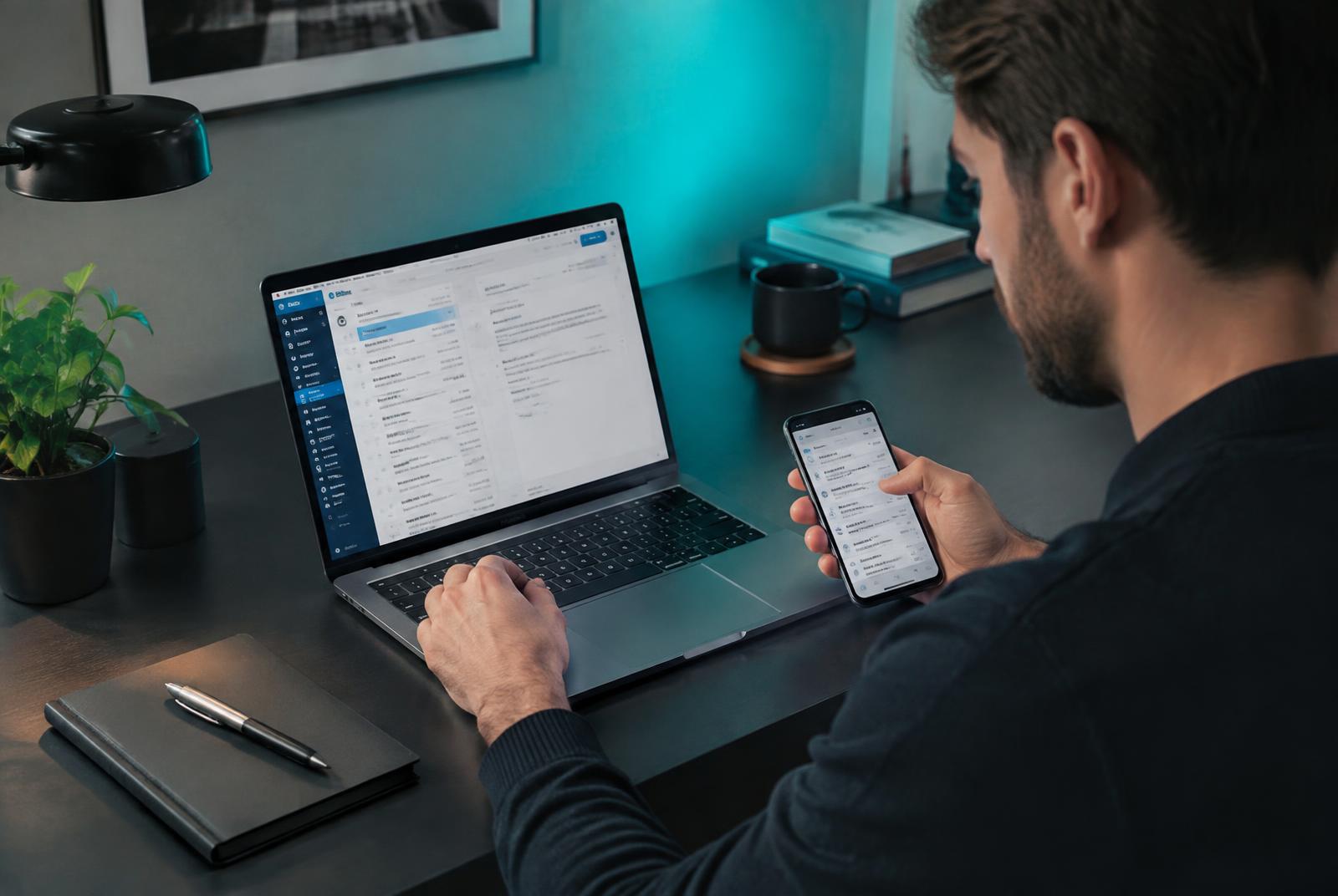
Professional checking a business inbox on a laptop and phone at a tidy desk

Why a domain email is worth the switch

Four reasons that show up in real conversations with customers.

  • It looks established, which matters most when you are new.
  • It reinforces your brand every time you send anything.
  • It delivers more reliably when set up with proper SPF, DKIM and DMARC records.
  • You keep control: staff addresses can be created, reassigned or closed by you.

What to set up first

Start with two or three addresses, not fifteen. Most businesses need a general address, a personal one, and a billing or support address.

  • hello@ or info@ for general enquiries.
  • yourname@ for direct contact.
  • support@ or accounts@ once volume justifies it.
  • Aliases rather than extra mailboxes where several names should reach one inbox.

Creating the addresses

In your client area, open email, choose your domain, add the address, set a strong password and a mailbox size. It is live immediately. Repeat for each address, and use aliases where you only need forwarding.

Get email on your own domain

Professional mailboxes, calendars, webmail and proper deliverability records — set up for you on your domain.

Reading it on your phone and computer

Use the webmail link for instant access, or add the account to Outlook, Apple Mail or Gmail using IMAP with the server details shown in your client area. IMAP keeps every device in sync, so a message read on your phone shows as read on your laptop.

Business email hosting vs free Gmail

A free Gmail account is free and familiar, but the address belongs to Google's domain, not yours. Business email hosting on your own domain gives you branded addresses, larger shared mailboxes, calendars and admin control, usually for a few dollars a month.

Making sure your mail actually arrives

Add SPF, DKIM and DMARC records — we configure these for domains hosted with us. Avoid sending bulk campaigns from your main mailbox, and never buy contact lists; both damage your sending reputation quickly.

Frequently asked questions

Do I need hosting to get a business email address?
You need your domain plus either a hosting plan that includes mail or a dedicated email hosting plan. Both give you addresses on your own domain.
Can I keep using the Gmail app with my domain email?
Yes. Add the account by IMAP in the Gmail or Outlook app and send from your domain address.
How many mailboxes can I create?
It depends on the plan. Hosting plans include a set number, and email hosting plans scale per mailbox as your team grows.

Need a hand applying this?

Our engineers answer setup and migration questions in plain language, 24 hours a day.