
Skip to content
Ayuni Host — Global Hosting Services

Domains

How to buy a domain name and set up web hosting

From an idea to a live website is about an hour of work, most of it waiting for a page to load. Here is the exact order to do it in.

Published 18 February 2026 8 min read

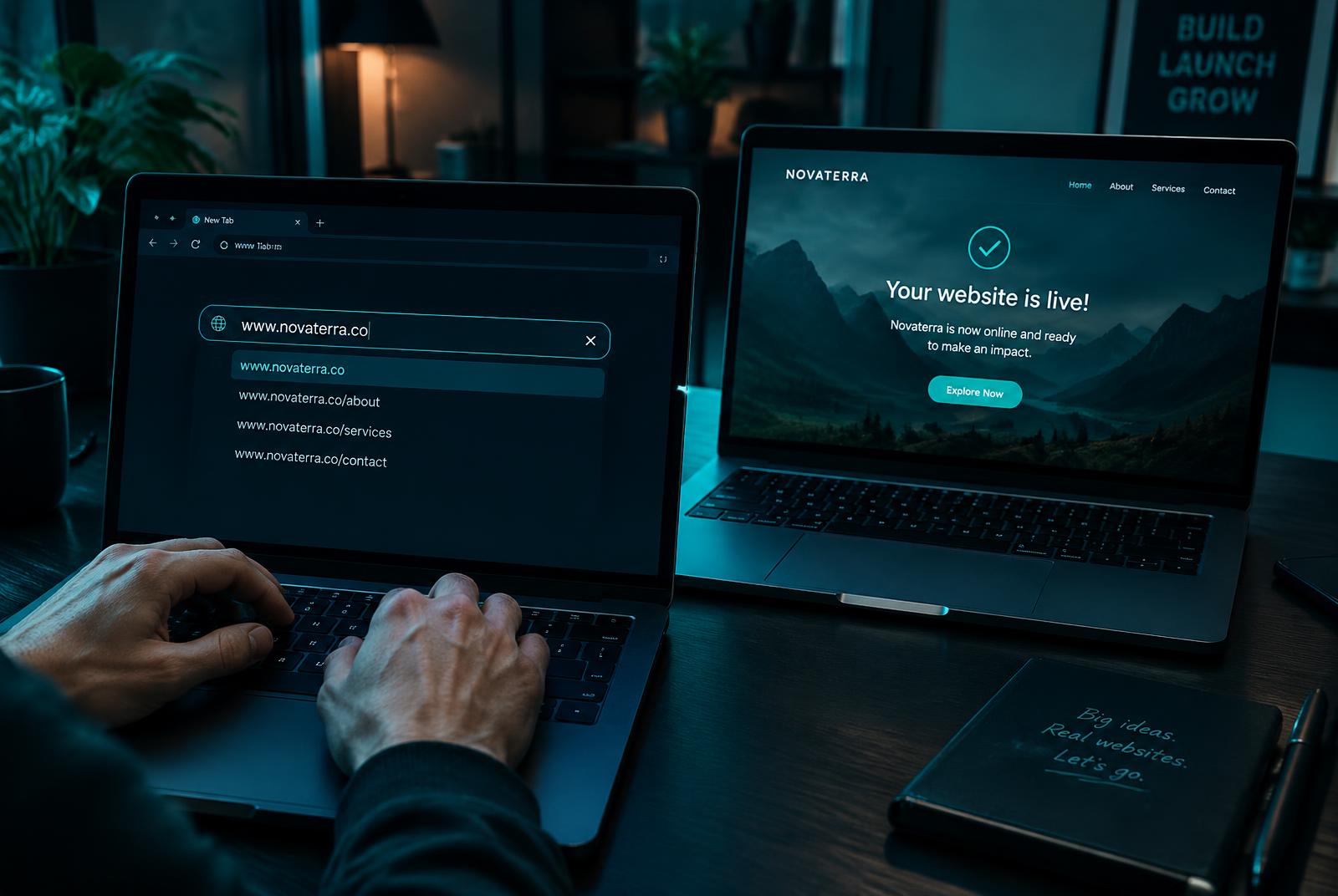
Hands typing a domain name on one laptop while a second laptop shows a website going live

Step 1: choose a domain name you will not regret

Short, sayable and spellable beats clever every time.

  • Keep it under about fifteen characters if you can.
  • Avoid hyphens and numbers — they get lost when spoken aloud.
  • Check it does not clash with an existing trademark or brand.
  • Prefer .com for a global audience, or your country extension for a local one.

Step 2: register the domain

Search for the name, pick the extension, and register it for at least a year. Turn on auto-renewal immediately and keep the contact email one you actually read — that address controls the domain.

Step 3: pick a hosting plan

Choose the smallest plan that fits the site you are building now. A brochure site or first blog belongs on web hosting; a WordPress site you update often is easier on WordPress hosting; a store or booking system is happier on business hosting.

Step 4: connect the domain to the hosting

If you bought both from us, this is done for you. If your domain is elsewhere, copy our two nameservers into your registrar's DNS settings. Changes usually take effect within a couple of hours and always within a day.

Start with the name

Check whether your domain is available, then add hosting in the same checkout and launch today.

Step 5: build and publish

Install WordPress in one click, use the website builder, or upload your own files. Set the site title, add your pages, and check it on a phone before you announce it.

Step 6: the finishing touches most people skip

Ten minutes here saves a lot of trouble later.

  • Turn on the free SSL certificate so your address uses https.
  • Create your business email address, such as hello@yourbrand.com.
  • Confirm automatic backups are running.
  • Submit your site to Google Search Console so it can be found.

Buying from Kenya

Switch the currency to Kenyan shillings to see prices in KES and pay with local methods. Both .com and .co.ke registrations are available, and the setup steps are exactly the same.

Frequently asked questions

How long does it take to launch a website?
Registration and hosting setup take minutes. Pointing a domain from another registrar can take a few hours to propagate. Building the pages is usually the longest part.
Should I buy the domain and hosting together?
It is simpler. Bought together, the domain is pointed at your hosting automatically and both renew from one account.
Can I change my domain name later?
You can register a new one and redirect the old one, but links and search rankings take time to follow. Choose carefully the first time.

Need a hand applying this?

Our engineers answer setup and migration questions in plain language, 24 hours a day.